SpanNote, Android notebook

An Android notebook, made by a student

SpanNote

A notebook for the way you think.

Write by hand. Work through a calculation. Draw a diagram and move it around. Keep your notes, graphs, PDFs and recordings together, on your tablet.

Coming soon on Google PlayAndroid 10 and newer · Tablet, finger or stylus
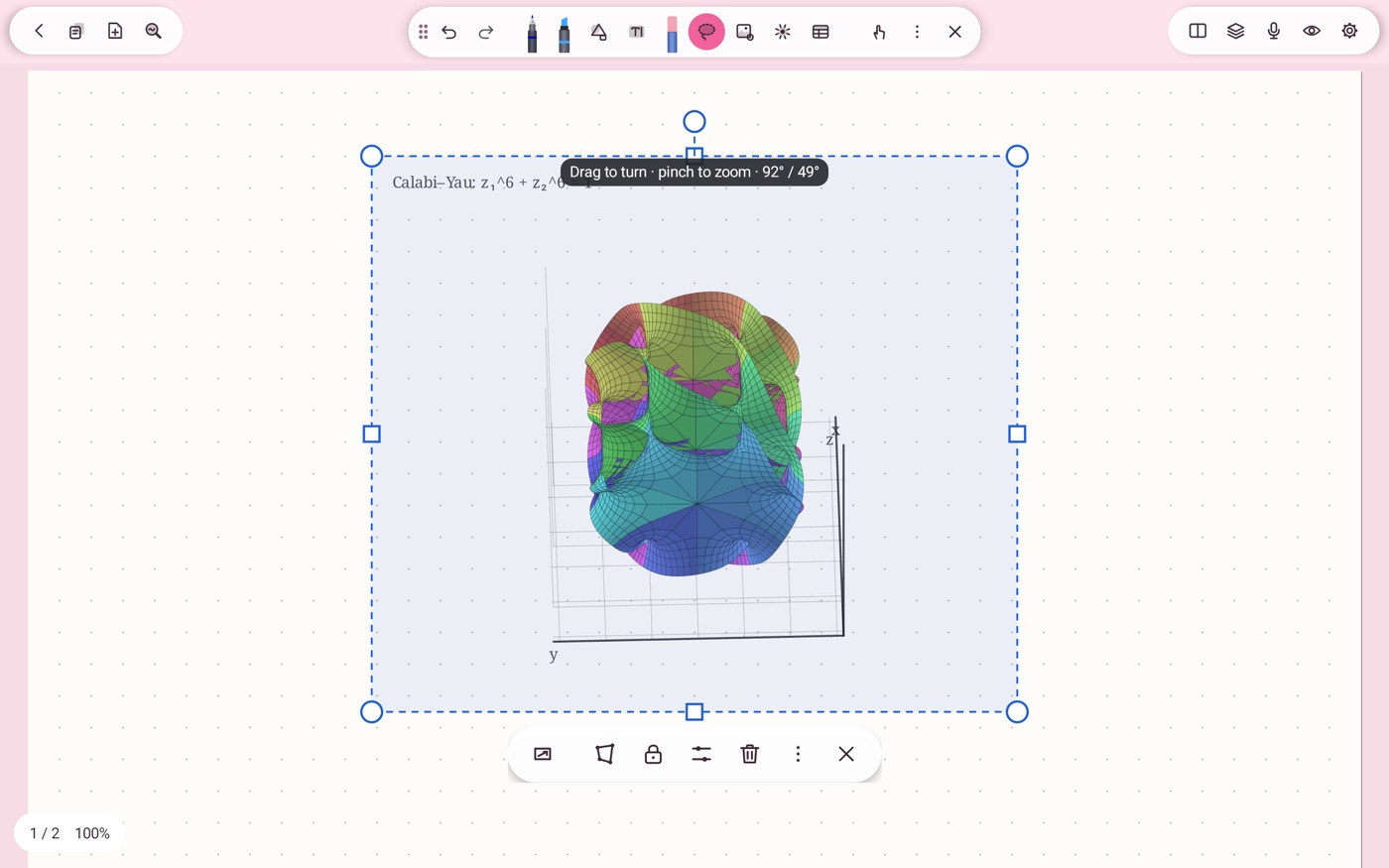
SpanNote in the pink Anime theme, with a selected Calabi-Yau surface and a drag to turn, pinch to zoom tip
A little geometry in the margin.From the app
yes, you can turn it ↗
For lecture notes.
And the ideas after.Made one page at a time.
Handwriting + maths + diagramsNo account neededNo ads. No subscription.Made by one person in India
01

Start with a good pen.

Six tools, each with its own way of leaving a mark.

some ink to play with ↘

Fountain pen

Pressure opens the line. Optional sheen adds a second colour where the ink pools.

Ballpoint

A simple, even line for everyday writing.

Brush pen

Pressure and speed shape the stroke. Adjust the bleed to soften the edge.

Pencil

Soft graphite on the paper grain. Press harder for a darker line, go over it again to build it up, lean the pen to shade.

Highlighter

Round or chisel tip. Crossing strokes of one colour keep the same shade. Lean it for a soft wide shade.

Technical pen

Wavy, zigzag and double lines, or a little picture repeated along the line. Bring your own picture as an SVG.

Pressure and tilt work when your pen supports them. You can also write with an ordinary stylus or your finger.

Try it · Ink demoMouse, touch or pen
Size 8 px
An interactive drawing pad with fountain pen, pencil and highlighter.

A small sketch of how the pens behave in the app.

Press the size dot. Slide left or right.

02

Draw it. Hold it. Tidy it.

Pause at the end of a stroke and it becomes a clean shape.

keep the pen down!
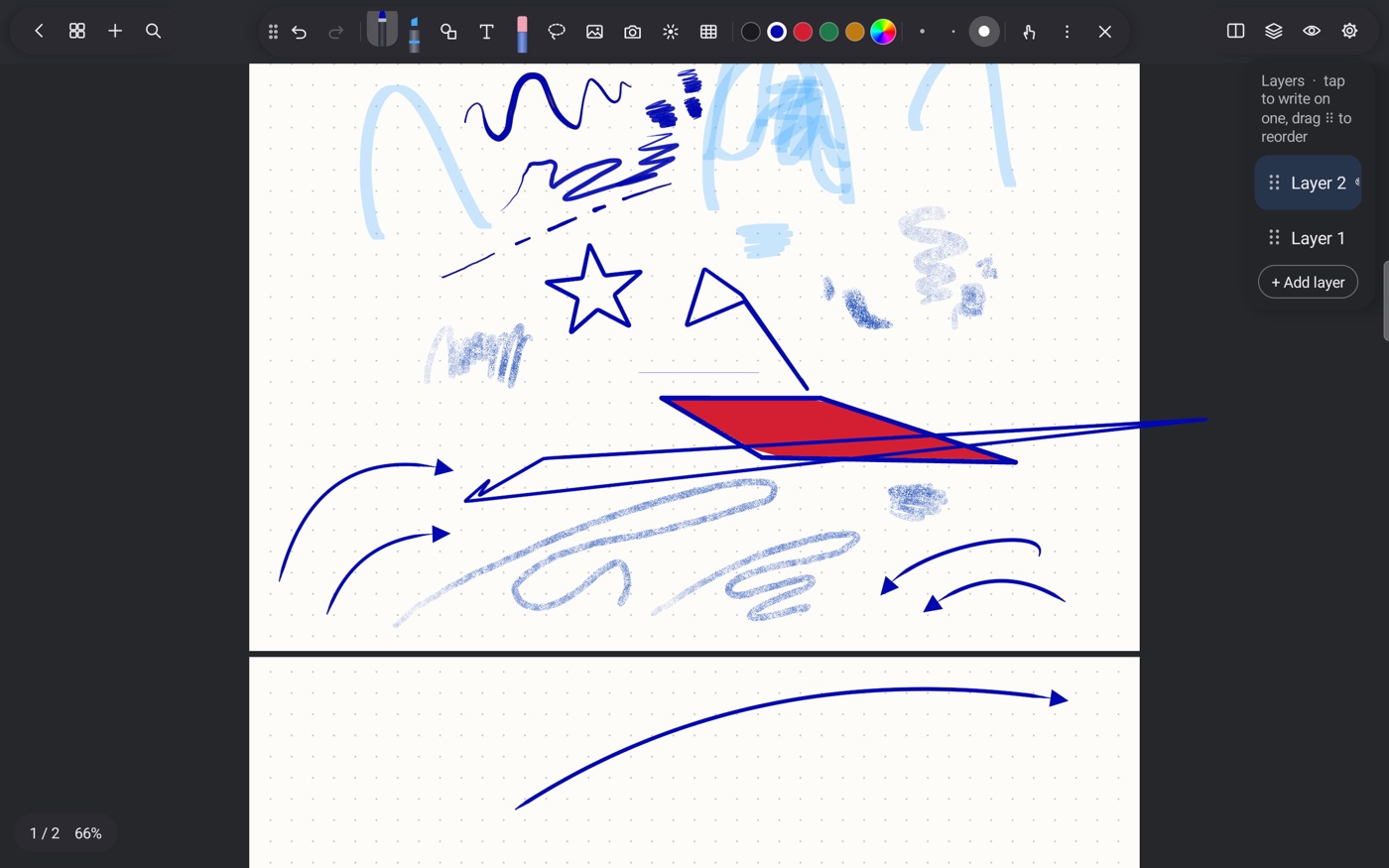
A page of clean arrows, curved arrows, circles, a square and a red filled quadrilateral in SpanNote
Hand drawn, then straightened.From the app

An ellipse stays an ellipse.Tap a second finger while holding for a perfect circle, square or regular polygon.

Arrows that stay attached.Curved arrows too. Connectors meet the shapes' outlines and follow when the shapes move.

Try it · Hold to shapeHold still for 500 ms
Hold to snap a freehand stroke into a shape.

Draw a line, ellipse or rectangle. Hold at the end.

Shift or a second finger makes it perfect.

03 / Keep the points.

Shapes and Bézier curves keep their editable points. Move a handle to change the bend.

Try it · Bézier curve
A cubic Bézier curve with draggable end and control points.
Drag or use arrow keys

04 / Drop some colour.

Drag a colour from the toolbar into a closed area. The colour fills that part of your drawing.

Try it · Colour drop
Three hand-drawn outlines ready to fill with colour.
Drag a dot into a shape.

05 / Combine two shapes.

Select two shapes. Keep their union, their overlap, or subtract one from the other.

Try it · Shape operations
Two draggable shapes with union, intersection and difference operations.

Drag either shape. See what stays.

∫

Made for maths and physics.

Things a notes app usually sends you to another program for. Here they happen on the page, and all of it works offline.

no second app needed ↘
1.

Calculus, exactly.

Write d/dx(x³ sin x) or ∫ x eˣ dx, lasso it, and the exact answer is written beside it. Definite integrals give a number.

2.

The functions physics uses.

Gamma, Beta, zeta, erf, Bessel J and I, Legendre, Hermite, Laguerre and Chebyshev polynomials, elliptic integrals, Lambert W, Si and Ei. Ready to use in sums and graphs.

3.

Solve it.

Equations such as x² − 5x + 6 = 0 or sin x = 0.5 are solved, and roots are found to about 12 digits.

4.

Matrices by hand.

Write a matrix with brackets and it is read from its rows and columns. Determinant, inverse and eigenvalues, complex ones too.

5.

Graphs inside your notes.

y = f(x), implicit curves, parametric curves. Shade the area under a curve and its integral is written in. Fit a line, quadratic, cubic or exponential to your points, with R².

6.

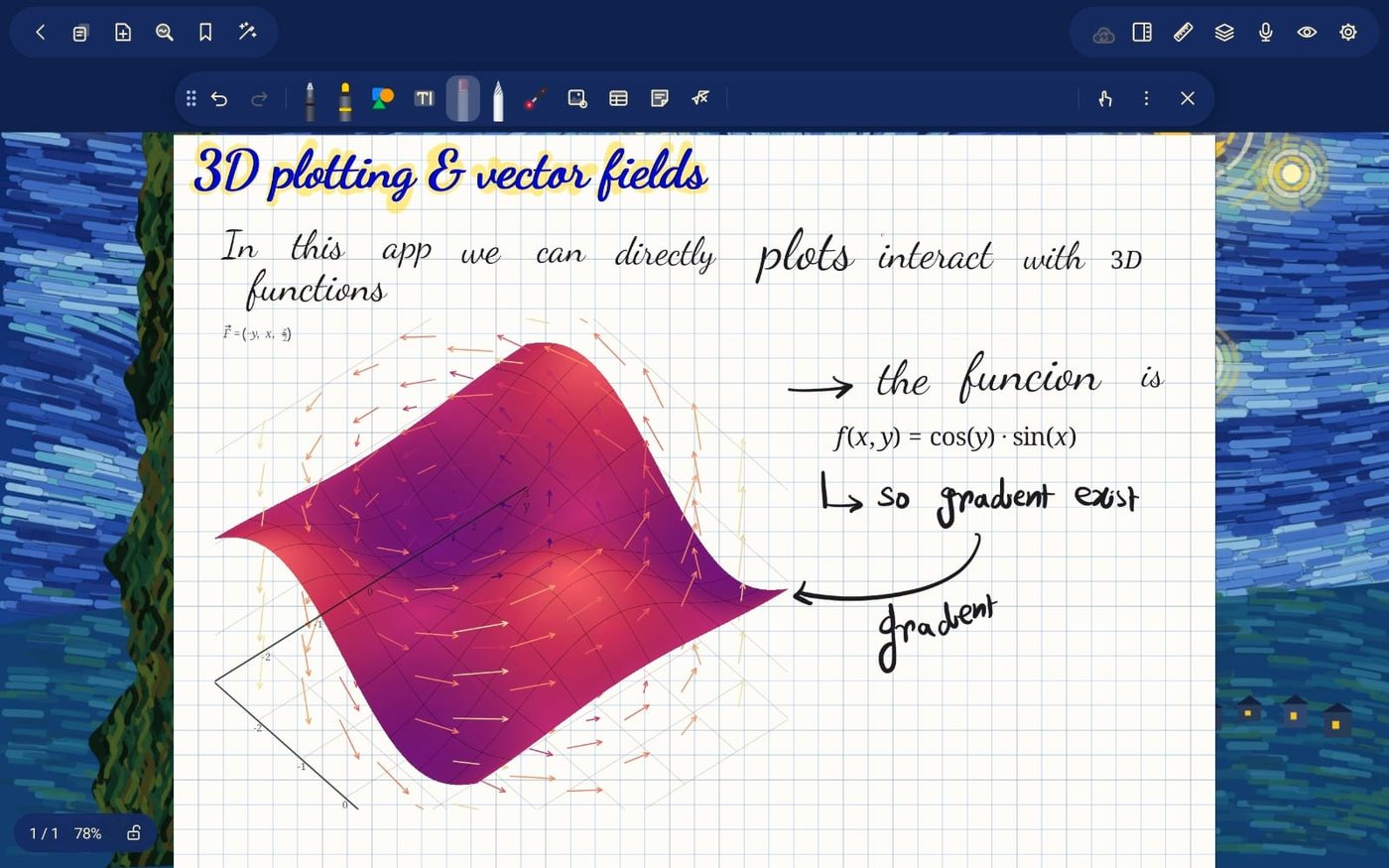
Surfaces you can turn.

z = f(x, y) and parametric surfaces: sphere, torus, Möbius strip, Klein bottle, helicoid, even a Calabi–Yau slice. Turn them with a finger, right on the page.

7.

Typeset maths.

LaTeX in text boxes and in graph labels. Written maths can become typed maths (experimental).

8.

Diagrams that look right.

Wavy lines for photons and springs, zigzag and double lines, arrows that stay attached to their shapes. Draw a Feynman diagram or a free-body diagram in a minute.

9.

Measure on the page.

A ruler and a protractor that lie on the page: read lengths and angles, draw straight along the edge, zoom to real size.

06

Work out the maths, on the page.

For the small calculations and the longer ones.

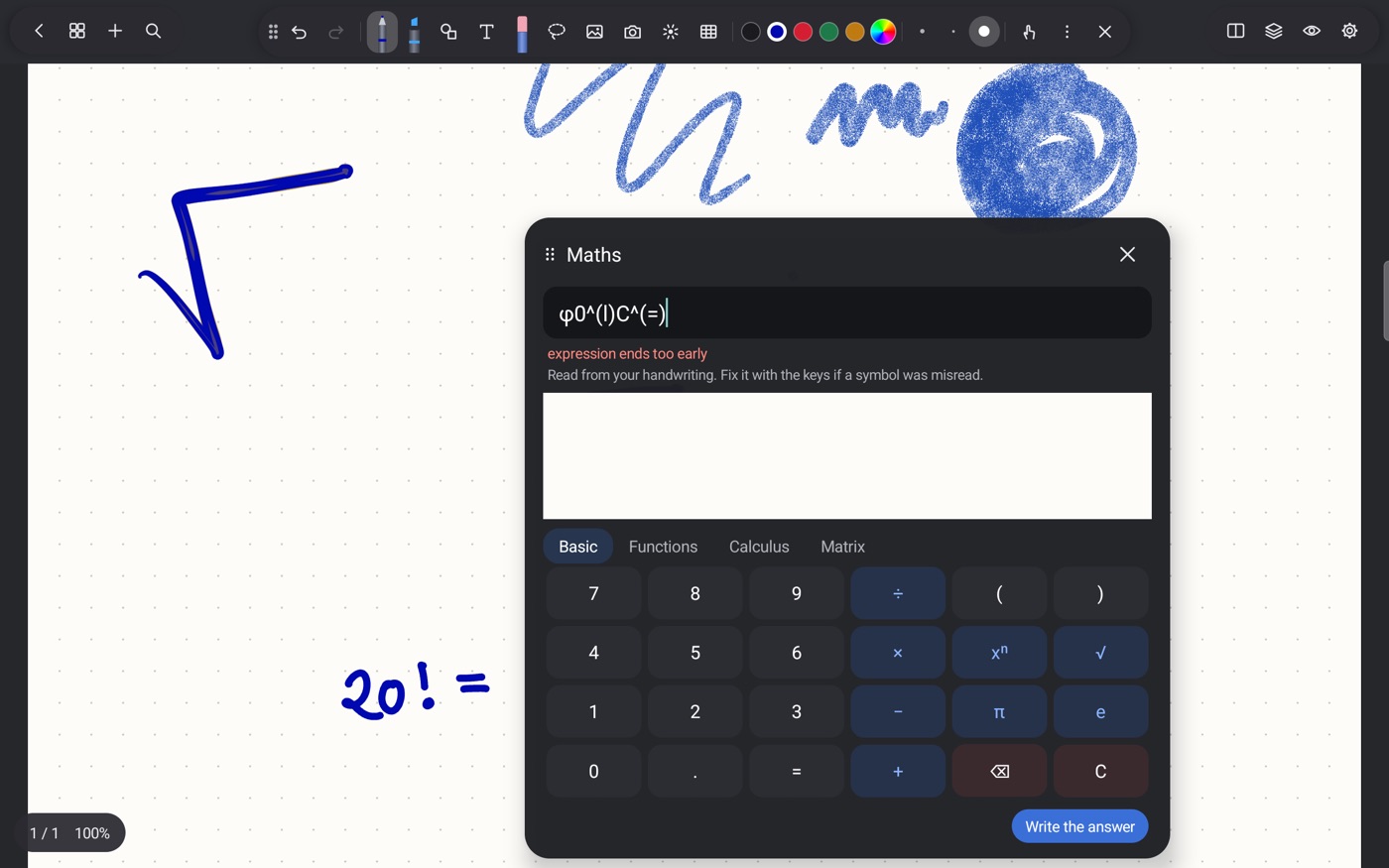
20! is rather large.
SpanNote Maths panel with keypad and Basic, Functions, Calculus and Matrix tabs, over handwritten 20 factorial
The Maths panel, open over your notes.From the app

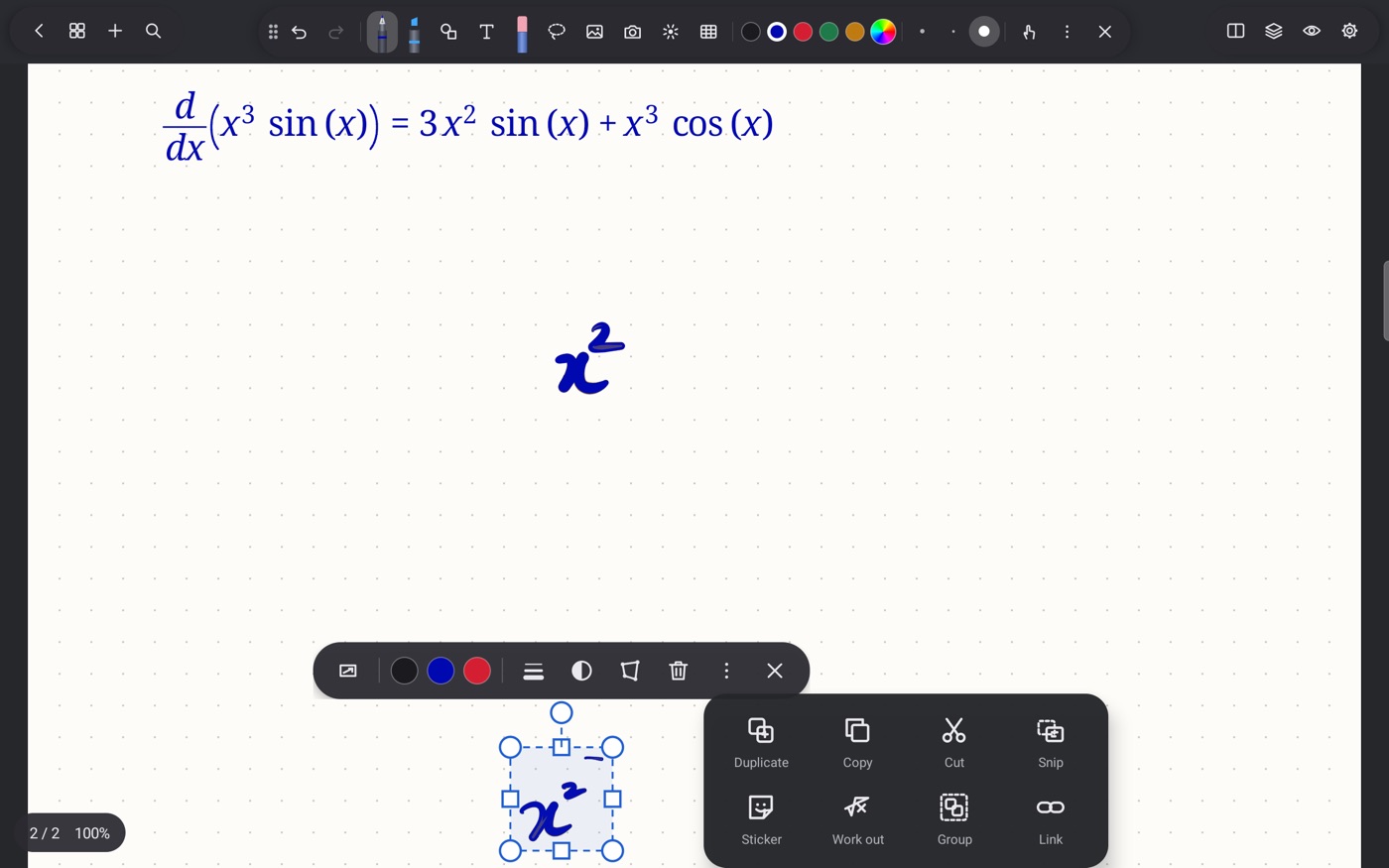
Lasso it. Tap “Work out”.

Select handwritten maths and the answer is written beside it. For example, 20! = 2432902008176640000.

Typed derivative of x cubed times sine x on a SpanNote page, with the lasso menu showing Work out, Snip, Group and Link
Typed maths belongs on the page too.From the app

Functions, calculus and matrices.

Use the Maths panel for derivatives, integrals and matrices. Find roots of equations to about 12 digits. Place typed maths wherever you need it.

A few worked examplesExamples of app output

ddx(x³ sin x) = 3x² sin x + x³ cos x

∫ x ex dx = (x − 1)ex

ln(e²) = 2

07

Give the equation a shape.

Turn a 3D surface with your finger. Drag and zoom a 2D curve.

have a closer look ↙
Interactive Calabi-Yau slice on the page, shown in SpanNote's pink Anime theme
A Calabi-Yau slice. Shown in the Anime theme.From the app
Try it · 2D graphy = sin(x) / x
An interactive plot of y equals sine x divided by x, with its limit of 1 at zero.
Drag to pan. Wheel or pinch to zoom.

The app keeps graphs sharp in exported PDF, even when you zoom in on the page.

08

Tables that calculate.

Cells can feed each other. Change a number here and the formulas update.

Try it · Mini spreadsheet
C1=A1*B1
ABC

Numbers, + − * / ^, cell references and SUM.
Try =SUM(A1:A3). Select a cell to edit its formula.

09

Bring your PDFs.

A paper to read, a sheet to solve, or notes to pass on.

Write all over the paper.
  • Import the pages you need. Pick pages from a PDF, bring them in and write on top.
  • Keep a copy. Copy pages before working through another solution.
  • Export a vector PDF. Clear lines and small files.
  • Or export a picture PDF. Choose 300 or 450 dpi.
Vector PDF300 dpi450 dpi
10

Put the pages in order.

See the notebook as a grid. Select pages to duplicate, move, export or delete. Drag to rearrange them.

Try it · Page overview
Drag a page to move it.

A notebook can change its mind too.

11

Keep things in layers.

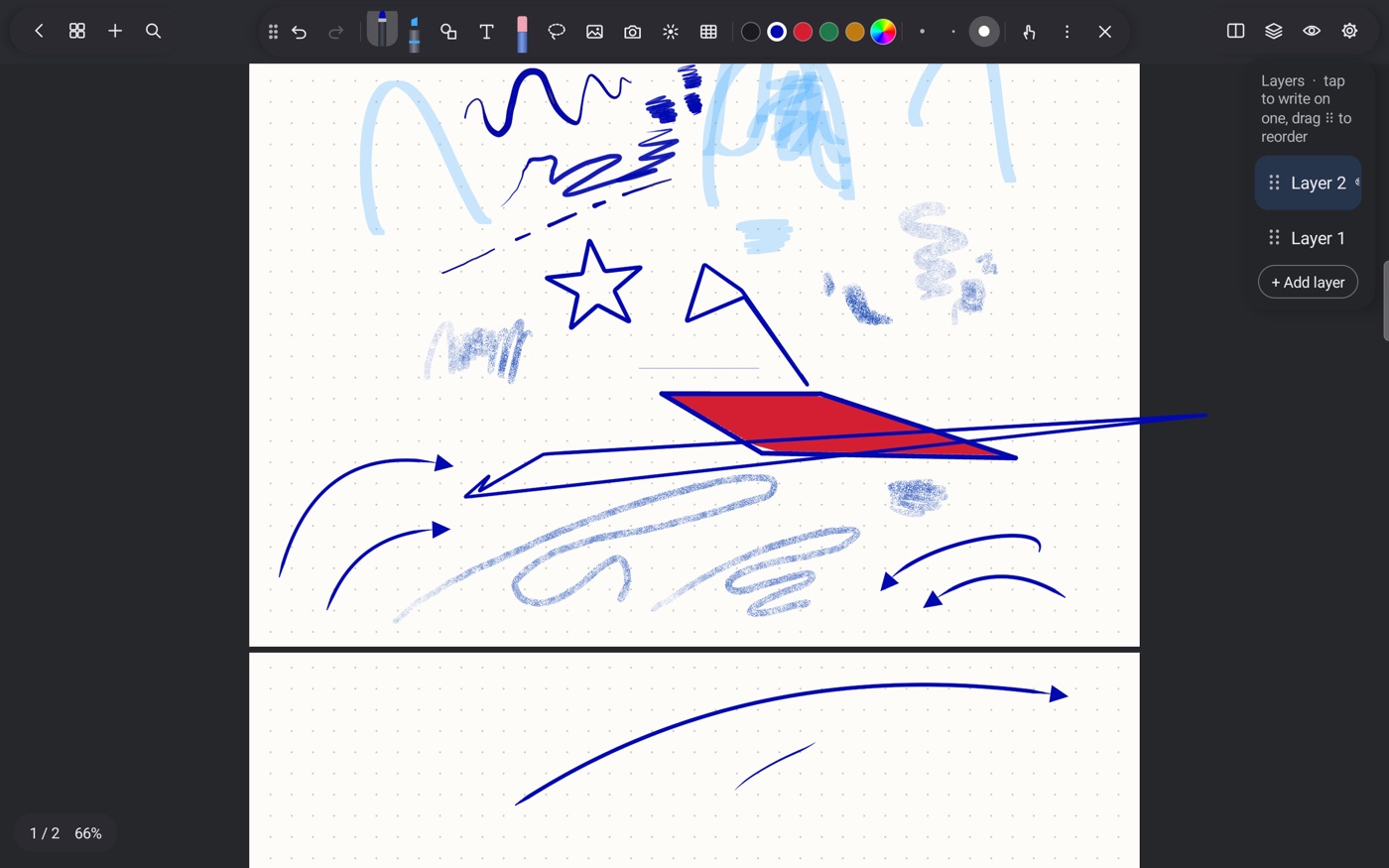
Hide the rough work. Lock the background. Reorder, merge or duplicate layers as you go.

SpanNote with the layers panel open beside a page of drawn shapes
The layer panel, beside your drawing.From the app
12

Hear what you were writing.

Record while taking notes. Each stroke remembers its moment.

Play the recording back and each stroke appears, whole, when the sound reaches the moment you wrote it. The strokes still to come stay faint. Tap a stroke to hear that part again.

Pause, or go back and forward 10 seconds.Choose a speed from 0.75× to 2×.Rename or delete a recording.The sound stays inside the notebook file.

The bit the lecturer said, right here →

Try it · Ink playbackNo audio in this demo
Recorded handwriting with faint future strokes and a playback timeline.
0:00 / 0:12

A few stored strokes with timestamps. Press play, scrub, or tap the ink.

13

The rest of the notebook.

Small things that make a difference over a long day.

a few more notes...
a.

Two pages of thought.

Open two notebooks side by side in split screen. Keep the reference beside the rough work.

b.

Snip and link.

Take a snip from your notes. Link related bits so you can find your way back.

c.

Find your handwriting.

Search what you wrote by hand. Handwriting is read on the tablet and never sent anywhere.

d.

A copy somewhere safe.

Back up to a folder, Nextcloud/WebDAV, Google Drive or a private GitHub repo. Save .sp, PDF and audio, with a folder for each notebook. Passwords are kept encrypted on the tablet.

e.

A change of light.

Dark, Light, Cosmology, Anime and Durga Puja themes. Invert the pages when writing at night.

f.

Room for a sticker.

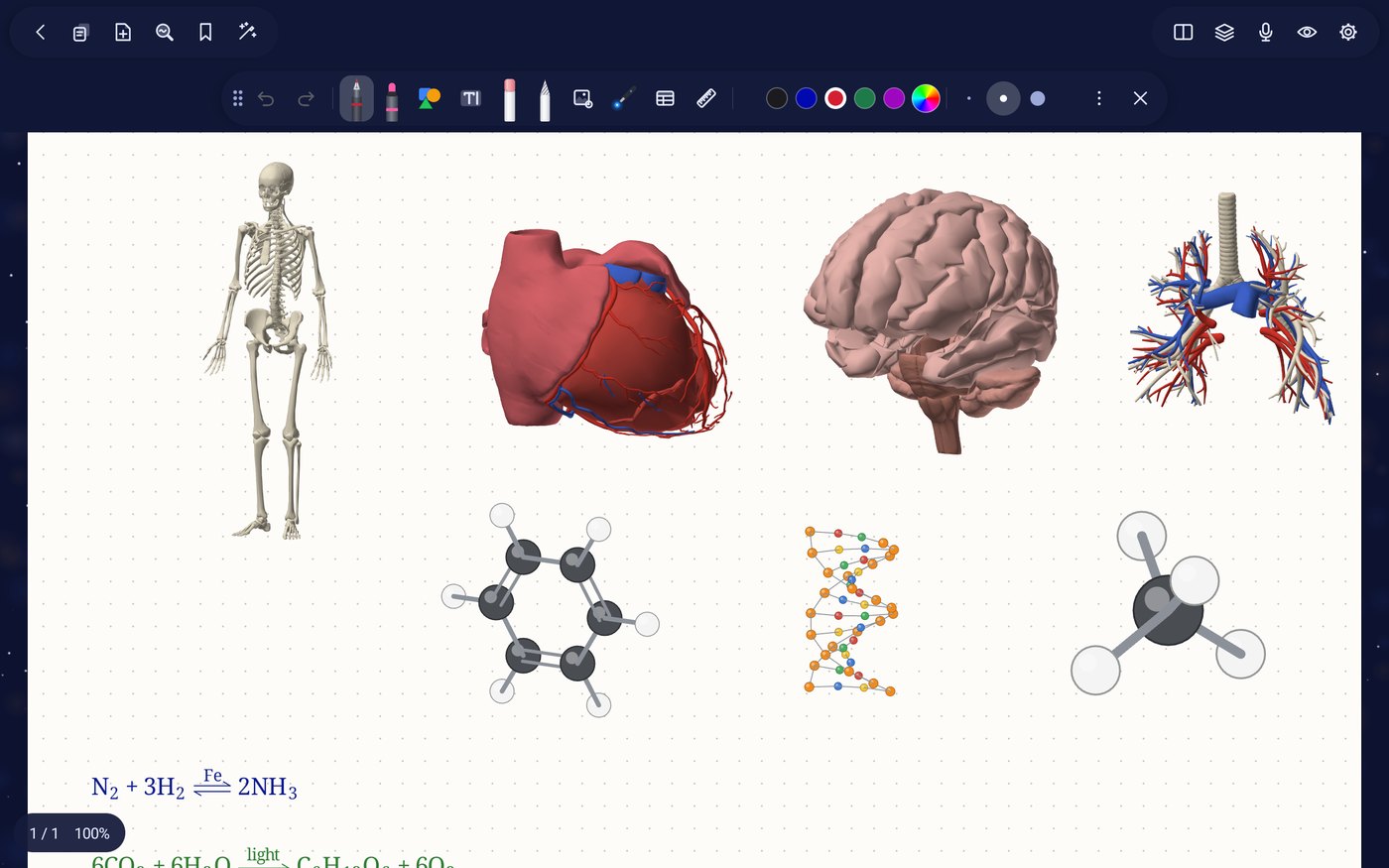
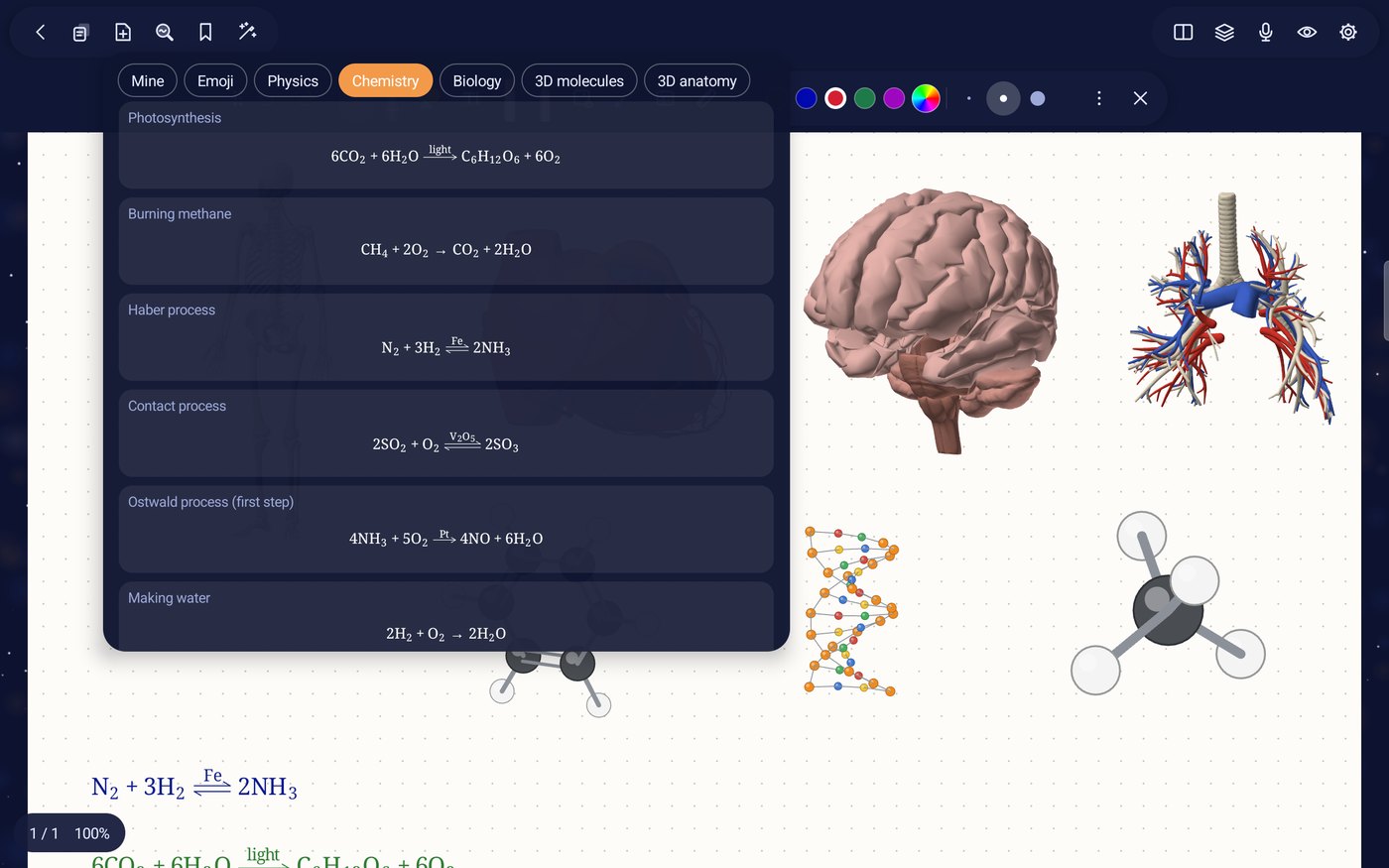
54 free stickers from Noto Emoji, under Apache 2.0. SpanNote works on any Android device running version 10 or newer, with or without pen pressure and tilt.

g.

A cover of your own.

Twelve colours, twelve of the author's own drawings, or any photo. Write on the cover too, or leave it off.

h.

Turn the page your way.

Scroll down through the pages, or swipe sideways one page at a time, like a book.

i.

Write into a text box.

Write with the pen in and around a text box and it is typed in for you.

j.

Tidy writing (experimental).

The wand turns your written words into neat handwriting of the same size and colour, still ink you can erase. Typeset turns written maths into typed maths. Both are still learning.

14 / A small, one-time purchase

All the tools from page one.

Use five notebooks for free.
Start writingFree

5 notebooks.
Every feature included.

Keep going$3 USD

One time. Unlimited notebooks.
Lifetime updates included.

No subscription. No ads. No account. Read the privacy page.Coming soon on Google Play · Android 10+